> For the complete documentation index, see [llms.txt](https://help.chatlyai.app/llms.txt). Markdown versions of documentation pages are available by appending `.md` to page URLs; this page is available as [Markdown](https://help.chatlyai.app/products-and-features/chatly-extension/what-is-chatly-extension.md).
# What is Chatly Extension?
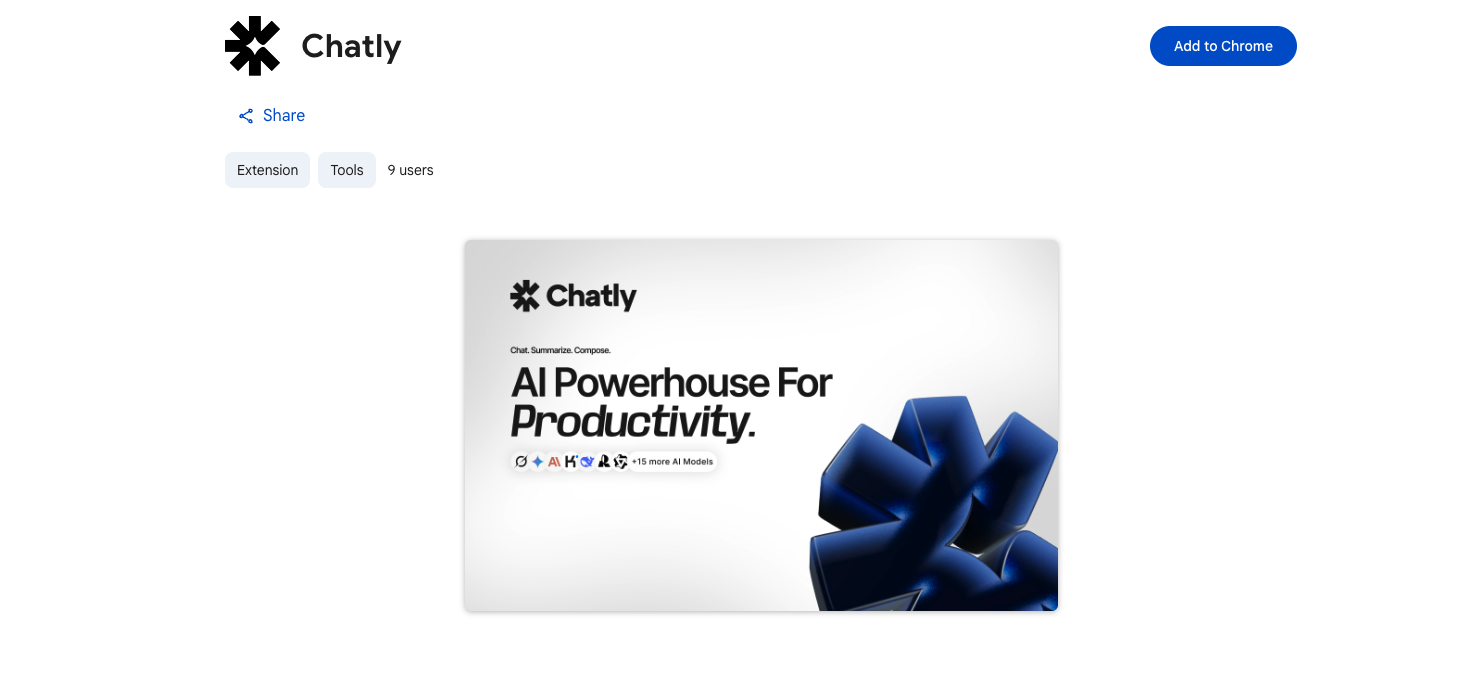
**Chatly Extension** connects your browser directly to intelligent AI, transforming every webpage into a conversational workspace. Instantly summarize long articles, extract data from reports, or get answers about the content you're viewing—without switching tabs.
### Getting Started
Chatly works wherever you do. Access the assistant in two ways:
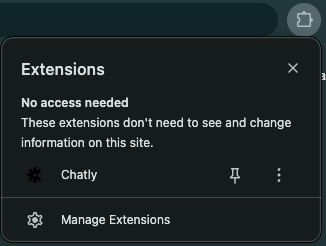
1. **Side Panel**: Open the extension from your browser toolbar for a persistent, split-screen experience. Perfect for research and multi-tasking.
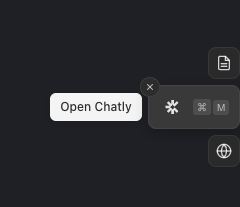
1. **Floating Widget**: Click the floating chat bubble on any page for quick, on-the-fly answers.
### Key Features
#### Context-Aware Chat
Chatly reads the page you're on. Ask "What is this article about?" or "Summarize the key points," and Chatly will analyse the current content to provide instant, relevant answers.
#### File Upload & Analysis
Upload documents directly to the extension to chat with your files alongside web content.
* **Supported Formats**: PDF, DOCX, PPTX, XLSX, TXT, CSV, JSON, Markdown, HTML, EPUB.
* **Images**: PNG, JPG, WEBP.
* **Limits**: Up to 5 files per chat, 20MB maximum per file.
#### Unified Chat History
Your conversations stay in sync. Access your past chats from both the extension and the web app. Start a research session on the web and continue it in the extension, or vice versa.
### Capabilities
* **Model Flexibility**: Switch between advanced AI models to suit your task.
* **Smart Context**: Intelligently manages page context to keep conversations focused.
* **Secure & Private**: Your data is handled with enterprise-grade security.
---
# Agent Instructions
This documentation is published with GitBook. GitBook is the documentation platform designed so that both humans and AI agents can read, navigate, and reason over technical content effectively. Learn more at gitbook.com.
## Querying This Documentation
If you need additional information that is not directly available in this page, you can query the documentation dynamically by asking a question.
Perform an HTTP GET request on the current page URL with the `ask` query parameter, and the optional `goal` query parameter:
```
GET https://help.chatlyai.app/products-and-features/chatly-extension/what-is-chatly-extension.md?ask=&goal=
```
`ask` is the immediate question: it should be specific, self-contained, and written in natural language.
`goal` is optional and describes the broader end goal you are ultimately trying to accomplish on behalf of the user. GitBook uses it to tailor the answer towards what is most useful for that goal.
The response will contain a direct answer to the question and relevant excerpts and sources from the documentation.
Use this mechanism when the answer is not explicitly present in the current page, you need clarification or additional context, or you want to retrieve related documentation sections.