# ImagineArt Features
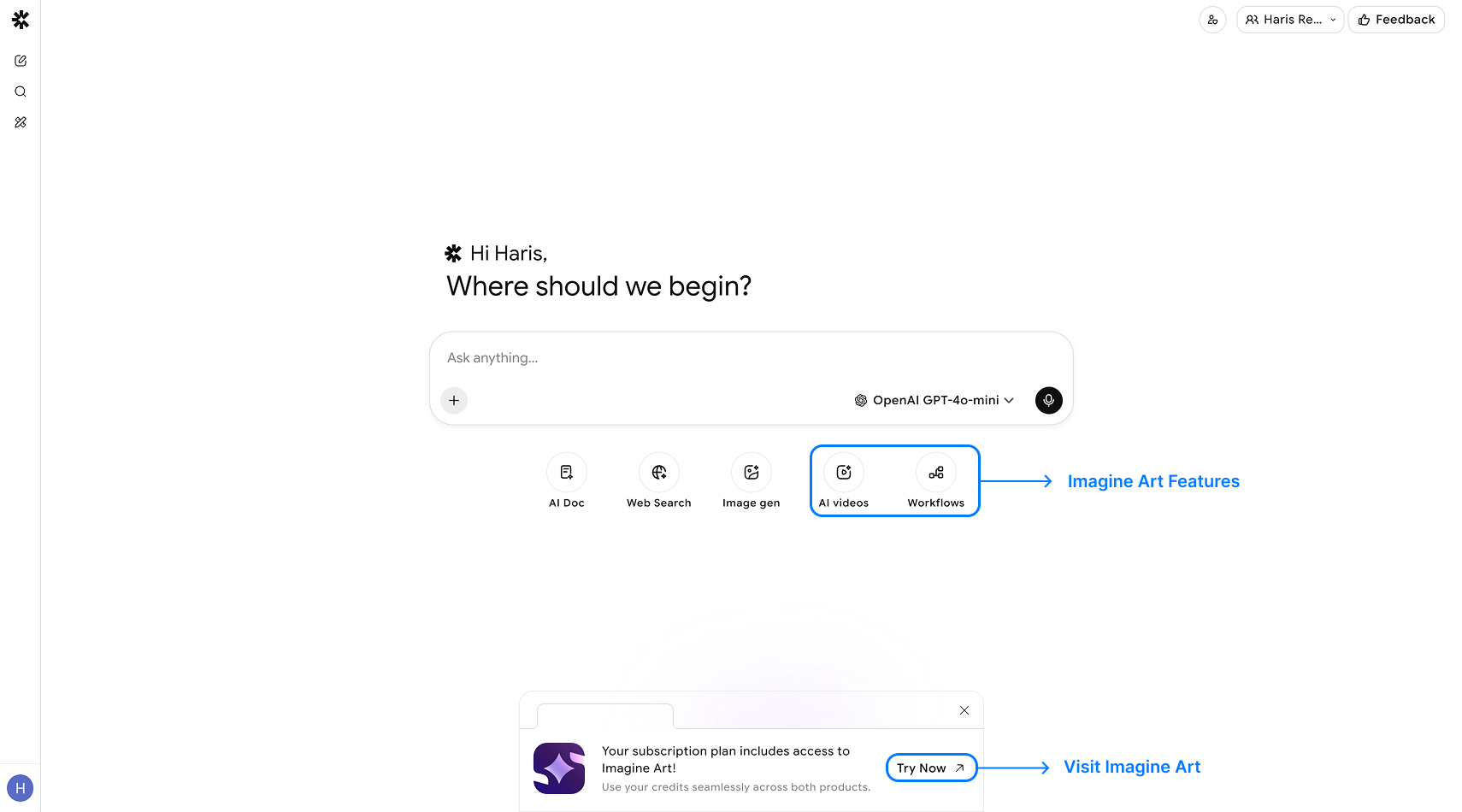
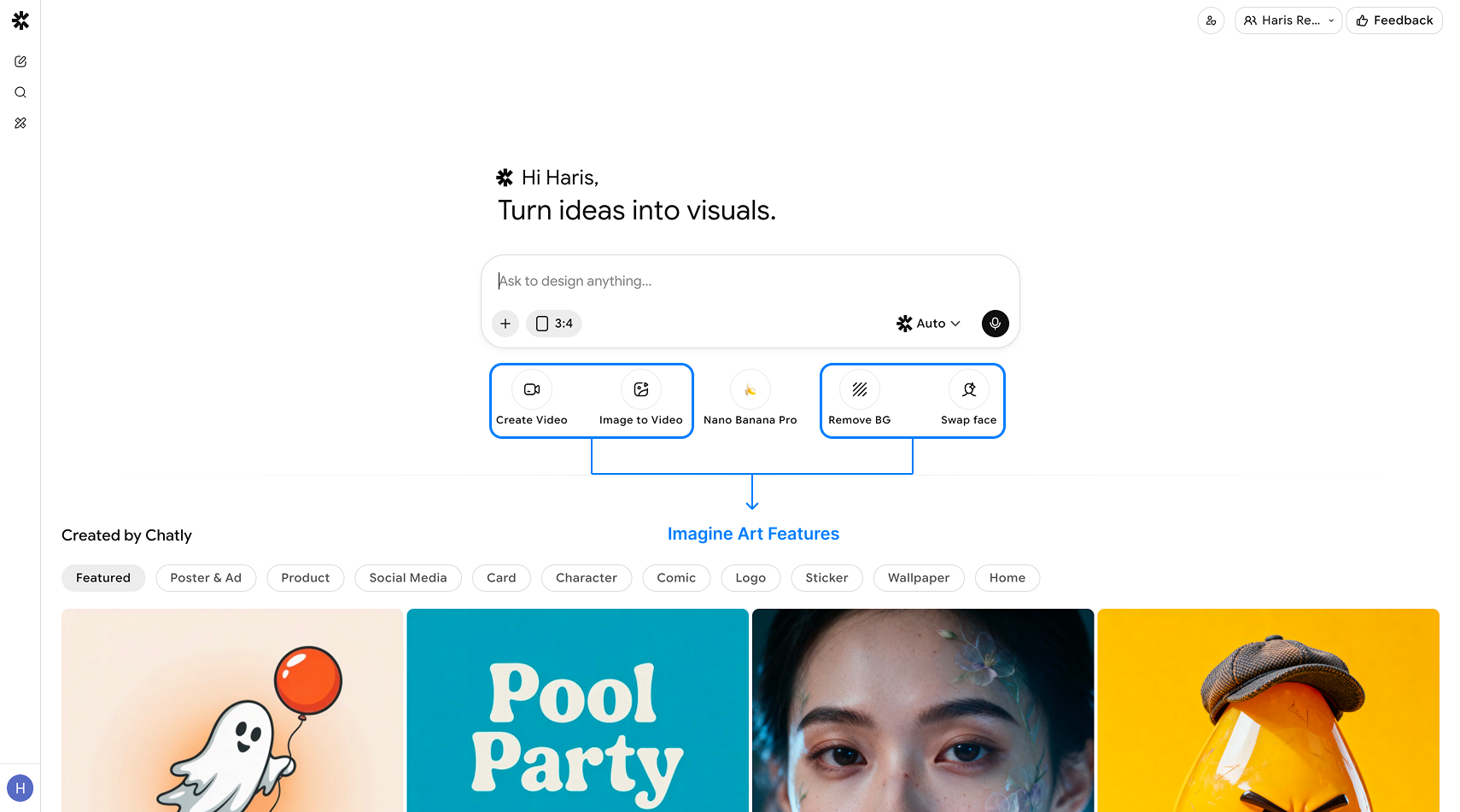
ImagineArt is seamlessly integrated into Chatly, giving users direct access to a suite of powerful AI creative tools such as image generation, video creation, background removal, face swap, and workflows
Paid users can unlock these premium ImagineArt features, enabling them to enhance conversations with dynamic visuals, generate videos from text or images, edit and animate content, and automate creative tasks using node-based workflows! You can access these features from here:
### Workflows
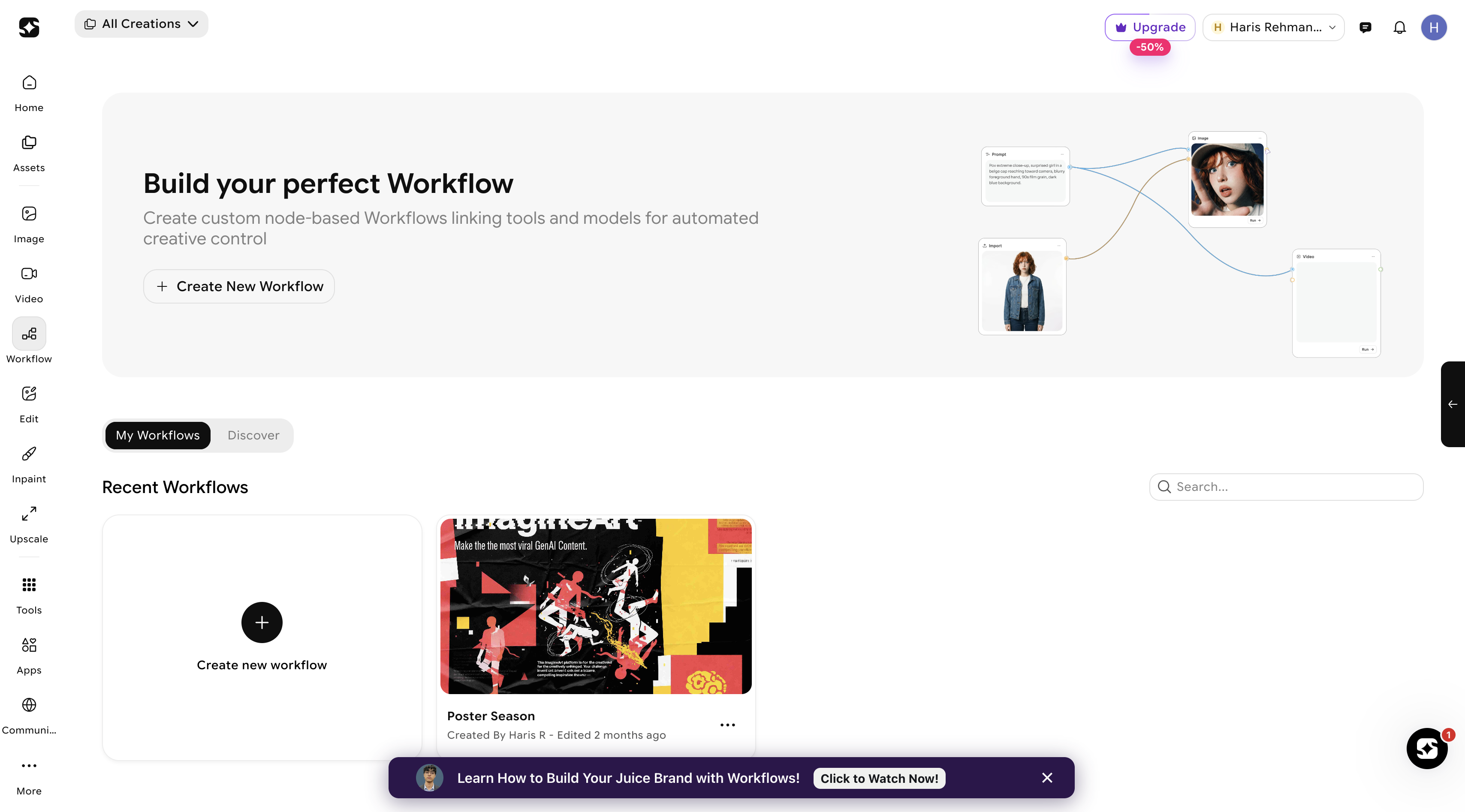
**Workflows** in ImagineArt is a visual, node-based system that lets you connect multiple AI models and tools to create automated creative pipelines. Each workflow is built from **nodes,** the building blocks that either provide input (like prompts) or generate output (like images or videos) which are linked to control the flow of data from start to finish. By selecting AI models for tasks such as image or video generation, connecting nodes properly, and running the workflow, you can transform inputs into polished outputs.
### Face Swap
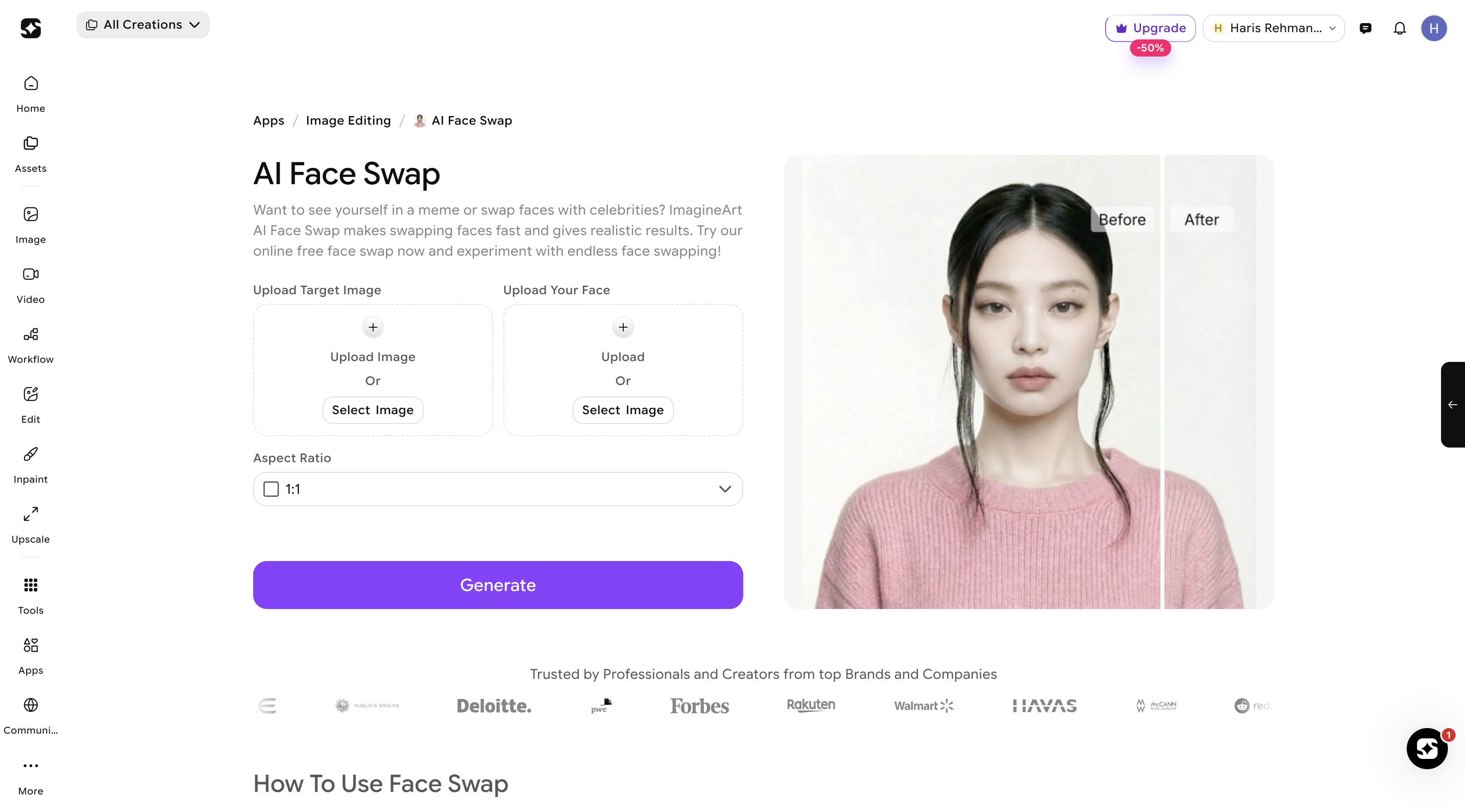
**Face Swap** allows you to replace the face in an image or video with another face seamlessly. By providing a source face and a target image or video, the AI aligns features and generates a realistic swap, maintaining expressions and lighting. This tool is perfect for creative content, video edits, or fun social media transformations, enabling smooth and realistic facial replacements.
### Remove Background
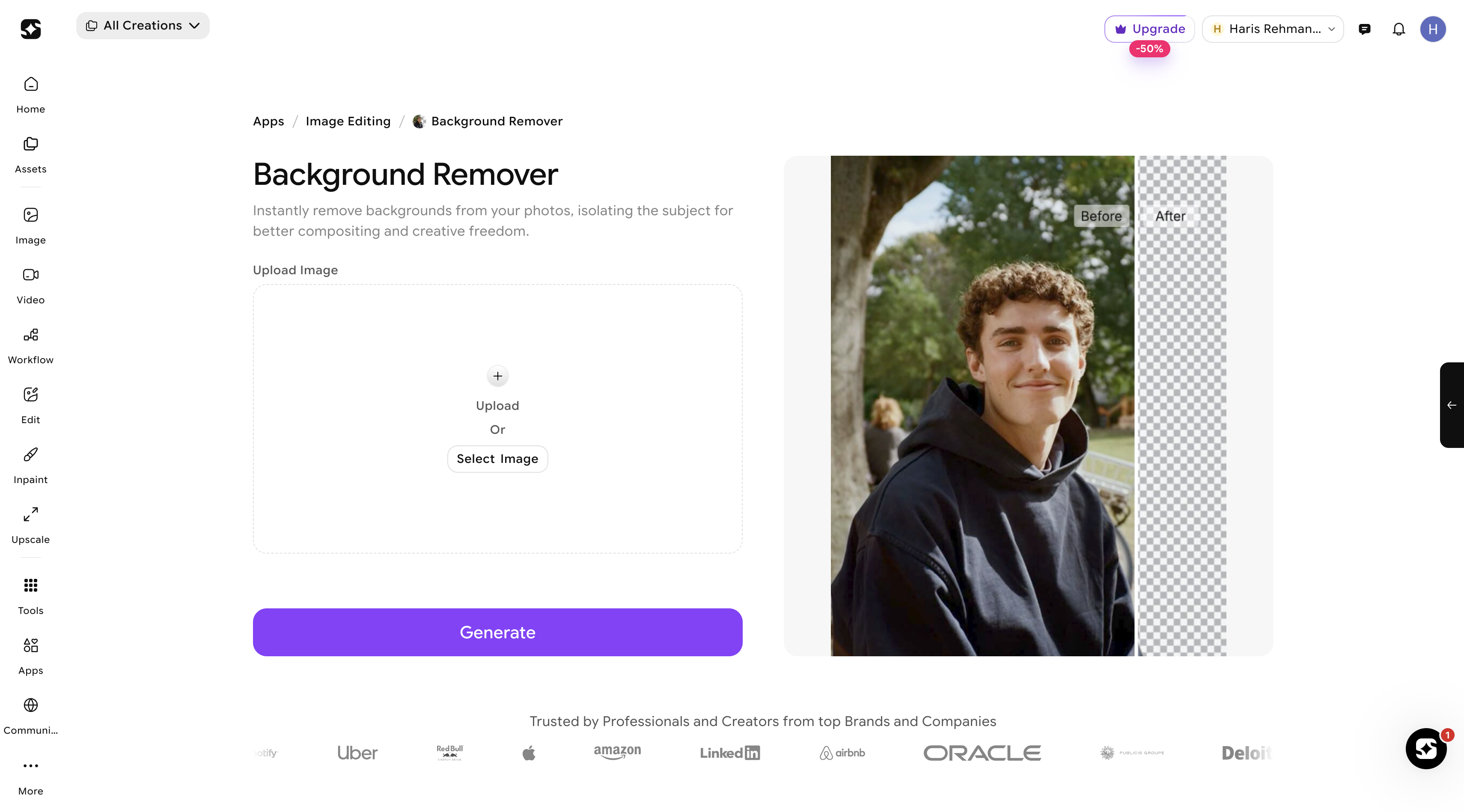
**Remove Background** automatically isolates the subject of an image by removing its background, creating a clean, transparent canvas. Users can upload an image, and the AI detects the subject whether a person, object, or product while removing the surrounding background. This is ideal for e-commerce product images, social media graphics, or any design where you want the subject to stand out without distractions.
### Image to Video
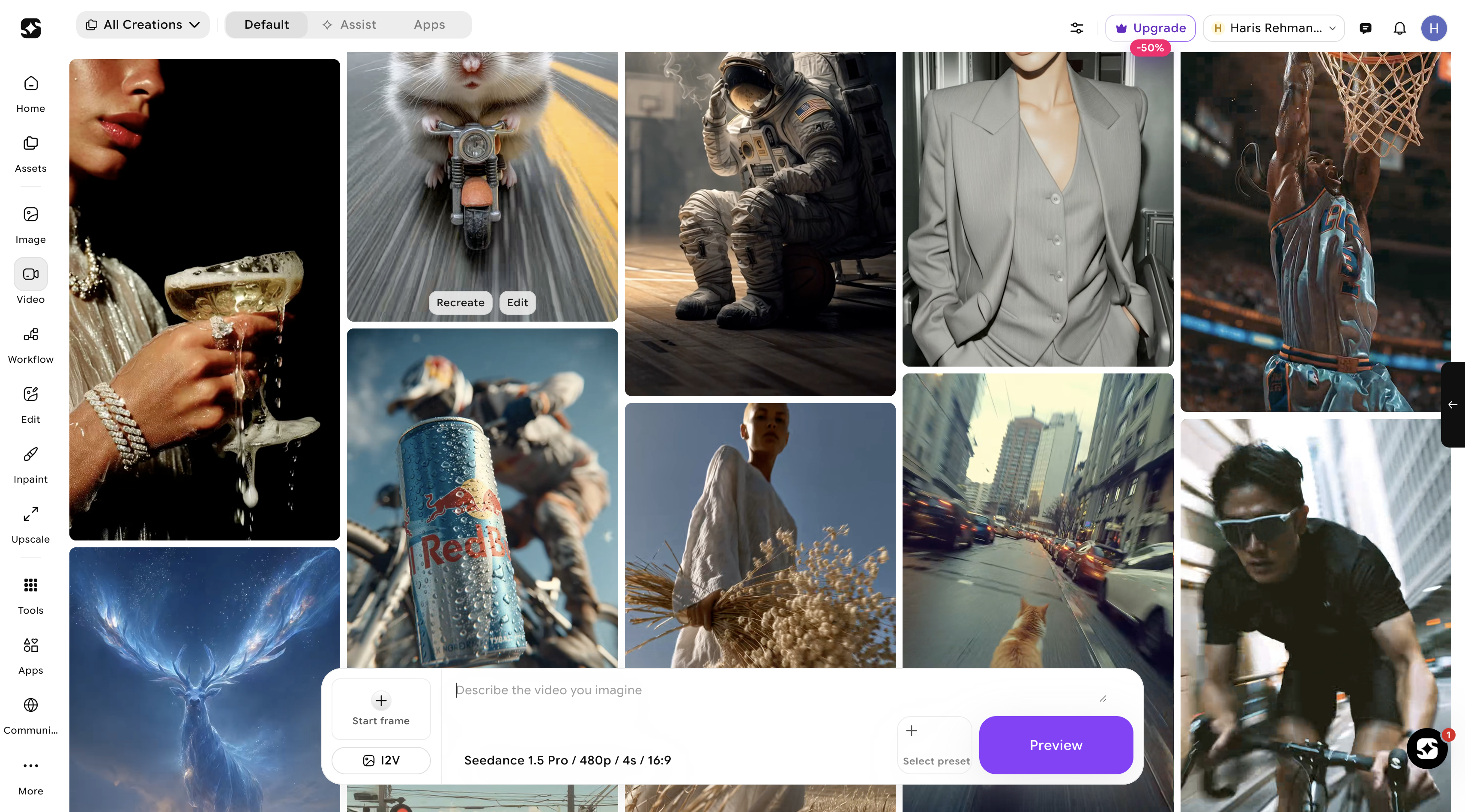
**Image-to-Video** is a mode that transforms two static images (a start frame and an end frame) into a smooth, continuous video by automatically generating the intermediate frames between them. By uploading your start and end images, selecting parameters like duration, resolution, and format, and clicking generate, the system creates seamless transitions that animate scenes, objects, or visual styles making it ideal for scene changes, object movement, and artistic visual flows from still imagery.
### Video Generation
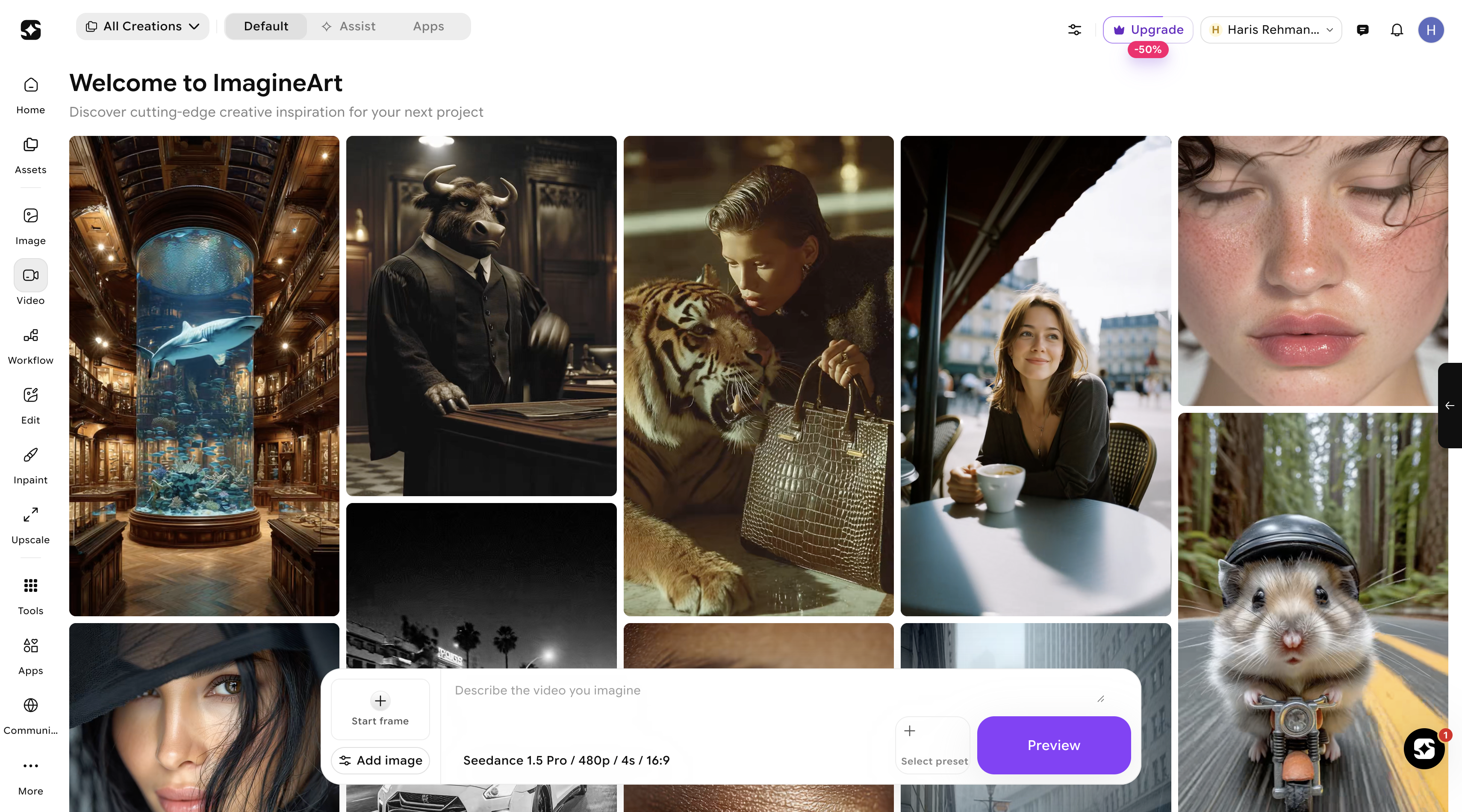
**Text-to-Video** is a tool that lets you generate high-quality videos directly from written descriptions. By typing a detailed prompt describing scenes, actions, and visual elements, and selecting an AI video model (like WAN, Kling, Hailuo, or Veo) along with the desired aspect ratio, resolution, and duration, the system creates a video that matches your vision. It supports a wide range of models and formats, making it ideal for cinematic sequences, realistic animations, or social media-ready content, allowing creators to quickly turn text into dynamic video experiences.